Cleaning Business › Running it
Running it · step 5 of 5
Cleaning Business Software: What a New Cleaner Actually Needs (and When)
When you’re starting out, cleaning business software can look like one more bill you have to pay before you’ve earned anything. You don’t need it yet. For your first clients, your phone calendar, free Square invoices and free Wave bookkeeping are enough. A paid cleaning business app like Jobber, ZenMaid or Housecall Pro can start paying for itself once reminders, rescheduling and recurring visits take real time. There’s no fixed client count, but around 10 regular clients is a reasonable point to start checking. That’s the point where reminders, rescheduling and recurring visits start eating your evenings. For the rest of your setup, start with our Cleaning Business guide.
- 14 min read
- For brand-new cleaners
At a glance
- First clients: use free tools. A phone calendar, Square Free for invoices and card payments, and Wave Starter for bookkeeping.
- Once reminders and rescheduling eat your time (roughly 10 or more regular clients): a scheduling app starts to earn its cost through automatic reminders, recurring visits and online booking.
- Starting prices as of October 2026: ZenMaid from $19/month plus $4 per team member, Jobber Core $29/month billed annually ($49 month to month), and Housecall Pro Basic $59/month billed annually ($79 month to month).
Free printable PDF · 6 pages
Price your first 10 jobs before you pay for any app
A price built from your own numbers, plus a 10-job tracker so you can see whether your prices hold up.
Your PDF link comes by email, followed by a short series of tips and offers for new cleaning business owners. Unsubscribe anytime. Privacy Policy
What software does a new cleaning business need?
For your first handful of clients, you need four things: a calendar, a way to send invoices, a way to take card payments and somewhere to record income and expenses. Free tools cover all four.
The paid all-in-one apps do these same jobs with more automation. When you have five clients, though, that automation saves you very little time. Texting five people a reminder the night before takes a couple of minutes.
| Job to do | Free option | What it costs (as of 2026) |
|---|---|---|
| Calendar and booking | The calendar app already on your phone. Set each regular client as a repeating event. | Nothing extra |
| Invoices and estimates | Square Free: invoices, recurring invoices and estimates | $0 a month. You pay only a processing fee when a client pays by card: 3.3% + 30¢ online or by invoice. Cash and checks are free. |
| Card payments in person | Square Free | 2.6% + 15¢ per tap, dip or swipe, per Square’s pricing page |
| Bookkeeping | Wave Starter: unlimited invoicing plus income and expense tracking | $0. Automatic bank feeds need Wave Pro at $19 a month, according to a 2026 Wave review. Card payments are an optional add-on at 2.9% + 60¢ per card (3.4% + 60¢ for Amex), per Wave’s pricing page. |
The one real cost in that stack is card processing, and it comes out of every card payment. Put it in your price from day one. Our pricing guide shows how. Prices for cleans vary a lot by area, so treat the figure below as an example only.
Example: a client pays for a $150 clean on Square Free.
Paid online through an invoice: $150 × 3.3% = $4.95, plus $0.30 = $5.25 fee. You receive $144.75.
Paid by tapping a card in person: $150 × 2.6% = $3.90, plus $0.15 = $4.05 fee.
Paid by cash or check: $0 fee.
Twenty invoice-paid cleans a month at $150 adds up to $105 a month in fees. That’s more than most starter software plans cost.
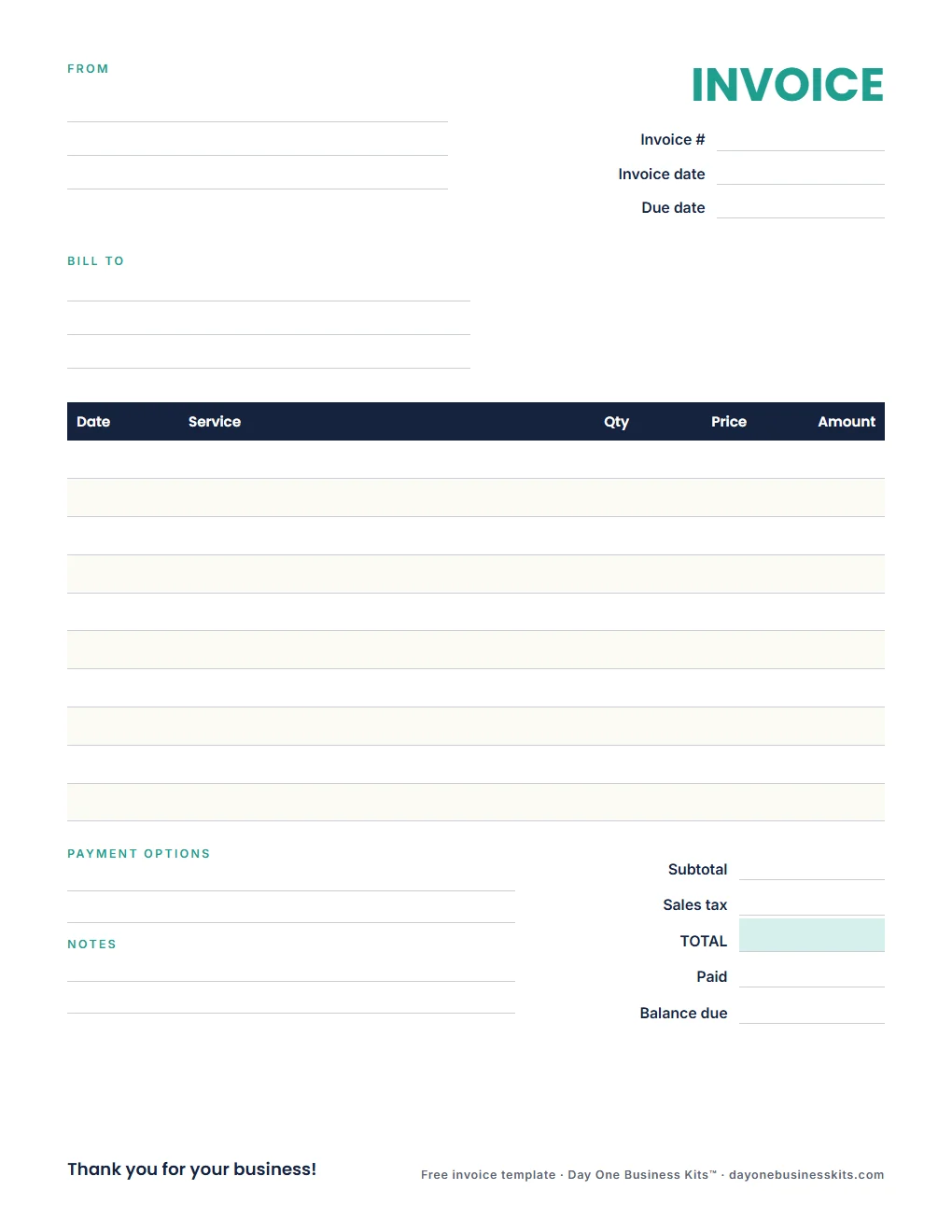
Free printable PDF · 2 pages
Get a free cleaning invoice template
A clean, printable invoice with every field this guide covers, plus a page on how to fill it in so clients pay on time. Print it, or fill it in on your phone.
We’ll also email cleaning business tips now and then. Unsubscribe anytime. Privacy Policy
When is a cleaning business app worth paying for?
A paid app is worth it once it saves you more time or money than it costs each month. For many solo cleaners, that starts somewhere around 10 to 20 regular clients, depending on how many are weekly and how much time reminders and rescheduling take. That’s a rule of thumb, not a law. Watch for these signs:
- You’ve missed a booking or double-booked a time slot.
- You spend more than a few minutes a night sending reminder texts.
- You’ve lost track of whether someone is on weekly or every-other-week visits.
- New leads ask how to book online and you don’t have an answer.
- You’re writing quotes by hand and following up from memory.
An easy way to judge the price is to divide the monthly fee by the visits you do each month. Use the month-to-month price unless you’re sure you’ll stay a full year.
Example: software cost per visit
10 clients every two weeks: 10 × 26 visits a year ÷ 12 = about 21.7 visits a month.
ZenMaid Starter for one person: $19 + $4 = $23 ÷ 21.7 = about $1.06 per visit.
Jobber Core, month to month: $49 ÷ 21.7 = about $2.26 per visit.
Housecall Pro Basic, month to month: $79 ÷ 21.7 = about $3.64 per visit.
10 weekly clients: 10 × 52 ÷ 12 = about 43.3 visits a month. That’s over ZenMaid Starter’s cap, so you’d need Pro at $39 + $14 = $53 ÷ 43.3 = about $1.22 per visit.
If one prevented no-show or missed booking saves a $150 clean, any of these plans has paid for itself that month.
Jobber vs ZenMaid vs Housecall Pro: which is best for a solo cleaner?
For a solo residential cleaner, ZenMaid is the best fit for most people. It’s built only for cleaning businesses and has the lowest entry price. Choose Jobber Core if you want unlimited quotes and online booking on the cheaper of the two general home-service apps’ single-user plans. Housecall Pro costs the most to start.
| Housecall Pro (Basic) | Jobber (Core) | ZenMaid (Starter / Pro) | |
|---|---|---|---|
| Starting price | $59/mo billed annually, $79 month to month, 1 user | $29/mo billed annually, $49 month to month, 1 user | Starter $19/mo + $4 per team member; Pro $39 + $14. Month to month. Text messages cost extra. |
| Built for | Home services in general | Home services in general | Residential cleaning and maid services |
| Online booking | Included on Basic | Included on Core | Booking forms on Pro |
| Quotes and estimates | Estimates included | Unlimited quotes | Not a headline feature in the sources we read. Check during the trial. |
| Invoicing and payments | Invoicing and card payments | Invoices and online payments | Invoicing, with online payments through Stripe or Square |
| Automatic client reminders | Listed on all plans | Connect plan and up ($99/mo billed annually) | SMS and email templates on Starter, more on Pro |
| Recurring visits | Recurring service plans listed on MAX. Check Basic during the trial. | Not confirmed in the sources we read. Check during the trial. | Spotfinder for recurring customer scheduling on Pro |
| Main limit | Basic can’t add users | Core is built for one user (Jobber’s help center allows one extra seat; confirm current rules). Choosing a team size on Jobber’s pricing page starts at Connect, from $149/mo billed annually | Starter capped at 40 appointments a month |
| Free trial | 14 days, no card; the trial runs on the MAX plan | 14 days, no card; the trial runs on the Grow plan | 14 days |
Verdict: If you’ll stay under 40 visits a month, start on ZenMaid Starter, and move to Pro when you go over. If you also quote one-off deep cleans and move-outs often, Jobber Core is a reasonable choice, but automatic reminders on Jobber start at Connect. Housecall Pro makes more sense if you already know you want its specific features.
How we picked
We compared three widely used apps that new cleaners ask about, using published prices and features only. We did not use any of the apps hands-on. Prices come from pages that checked each vendor’s pricing page in 2026: TradesWithAI for ZenMaid (checked October 25, 2026), PathPilo for Jobber (October 2026) and WorkZen for Housecall Pro (September 2026). Vendors change prices often, so confirm on the vendor’s own page before you sign up.
On November 20, 2026 we re-checked the starting prices on each vendor’s own pricing page: ZenMaid Starter is $19 a month with a 40-appointment cap, Jobber Core is $29 a month billed annually, $39 on a one-year commitment or $49 month to month, and Housecall Pro Basic is $59 billed annually or $79 month to month. All three still offer 14-day trials. ZenMaid’s per-team-member fees come from the TradesWithAI page above.
Jobber vs Housecall Pro for a cleaning business
For one person, Jobber is cheaper. Core is $29 a month billed annually against $59 for Housecall Pro Basic, and $49 against $79 month to month. Both include online booking, quotes or estimates, and invoicing for one user.
The differences show up when you grow. Housecall Pro Basic doesn’t let you add users, according to Carly’s pricing breakdown, so hiring a helper means moving to Essentials at $149 a month billed annually. On Jobber, choosing any team size moves you to Connect at $149 a month billed annually. So for a five-person crew, the two cost about the same.
Avoid this
Don’t judge an app by its free trial. Jobber’s trial runs on the Grow plan and Housecall Pro’s runs on MAX. Both cost far more than the plan a beginner would buy. Before the trial ends, check that the features you used are in the plan you’ll actually pay for. Automatic reminders are a common one to check.
For a residential cleaner who does mostly recurring visits, neither is built for you the way ZenMaid is. Both are solid general tools, though, if you also do other home services.
What about BookingKoala, ScheduleDrop or Launch27?
These three also come up when new cleaners compare booking apps. Each is built around online booking for cleaning and home services. Prices below come from each vendor’s own pricing page, checked November 20, 2026.
| Starting price | Cheapest plan includes | Check before you sign up | |
|---|---|---|---|
| BookingKoala (Starter) | From $27 a month | Booking forms, up to 5 providers | Card charging isn’t listed on Starter. 14-day trial. |
| ScheduleDrop (Launch) | $97 every 4 weeks, so 13 bills a year | Online booking form, invoicing and card on file, up to 5 providers | The 14-day trial needs a card on file. |
| Launch27 (Base) | $75 a month, or $765 a year | Basic booking form, unlimited users | Automatic card charging is on Plus, at $299 a month. 14-day trial. |
Example: cost per visit at the same 21.7 visits a month as above. BookingKoala Starter: $27 ÷ 21.7 = about $1.24 per visit. Launch27 Base: $75 ÷ 21.7 = about $3.46 per visit. ScheduleDrop Launch: $97 × 13 ÷ 12 = about $105 a month, ÷ 21.7 = about $4.84 per visit.
For a solo cleaner with fewer than 10 regular clients, none of these beats the free tools at the top of this guide. They make more sense once you have a helper or two and want clients to book online without you. As with the apps above, we compared published prices and features only and did not use these apps hands-on.
Can you run a cleaning business on a spreadsheet instead?
Yes. Many new cleaners run their first months on a spreadsheet plus Square. A spreadsheet can’t send reminder texts or take online bookings, but it can track prices, clients, jobs, mileage and profit for no monthly fee.
The catch is discipline. A spreadsheet only works if you log every job the day you do it. Pair it with a printed house cleaning checklist and you have most of what the Pro-tier apps add, without the subscription.
Paperwork, done for you
All-in-One Cleaning Business Workbook
One spreadsheet for your prices, clients, estimates, invoices, mileage and expenses, plus a plain-English service agreement template covering cancellations, lockouts, pets, keys and damage. Log each job once and the invoice builds itself; the Money tab shows your monthly profit and tax set-aside. Have the agreement reviewed locally; it's a template, not legal advice. Works in Excel or free Google Sheets. $19 on Etsy.
Or get all 4 tools in the Launch Kit: $44 instead of $64 separately. See the Launch Kit or browse all the templates in the shop.
Bookkeeping tools track numbers but don’t give tax advice. Wave doesn’t file taxes on any plan, per StartupOwl’s 2026 review. Confirm what you owe with a licensed tax professional.
Try it freeSee what software, supplies and setup will actually cost you in month one.Open the tool →How do you test a cleaning business app in 14 days?
Load your real schedule on day one and run a normal week of work through the app. A trial with no real clients in it tells you nothing.
- Before you start, list every regular client, how often you visit them and their usual day.
- On day one, enter all of them as recurring visits. If that’s painful, it will stay painful.
- Send yourself a test reminder and a test invoice, then pay it with your own card so you see the fee and what your client sees.
- Run one real week of bookings, changes and payments through the app.
- By about day 12, compare the features you used against the plan you’d buy, and work out the cost per visit using the example above.
Frequently asked questions
Is there free cleaning business software?
Yes, for the basics. Square Free has no monthly fee for invoices and estimates; you pay only processing fees on card payments. Wave Starter is a $0 bookkeeping plan. Jobber, ZenMaid and Housecall Pro offer free trials but no free plans. Source.
How much does ZenMaid cost?
As of October 2026, ZenMaid Starter is $19 a month plus $4 per team member and is capped at 40 appointments a month. Pro is $39 plus $14 per team member, and Pro Max is $49 plus $24, both with unlimited appointments. Text messages cost extra. Source.
Does Jobber have a free plan?
No. Jobber offers a 14-day free trial with no credit card required. After that, Core starts at $29 a month billed annually or $49 month to month, as of October 2026. Source.
Do I need special software to take card payments from cleaning clients?
No. Square Free lets you take cards for a per-payment fee. As of 2026 that’s 3.3% + 30¢ for online and invoice payments, and cash and checks are free. Source.
Can Wave do my taxes?
No. Wave’s plans cover invoicing and bookkeeping, and none includes tax filing. Use it to keep clean records, then confirm what you owe with a licensed tax professional. Source.
How much do BookingKoala, ScheduleDrop and Launch27 cost?
As of November 20, 2026, per each vendor’s pricing page: BookingKoala Starter starts at $27 a month, ScheduleDrop Launch is $97 every 4 weeks, and Launch27 Base is $75 a month or $765 a year. For a solo cleaner, the free tools in this guide usually cover the first 10 or so clients. Source.
Before you compare apps, set your prices. Grab the free Price Your First 10 Jobs worksheet, then read the pricing guide so your rates cover card fees and any software you add later.
Sources
- Square: Invoices Pricing & Plans: Square Free has no monthly fee; online and invoice card fee 3.3% + 30¢; cash and checks free
- Software Advice: Square Invoices profile: Square Free in-person fee 2.6% + 15¢; free plan includes invoices, recurring invoices and estimates
- Eleven: Wave Accounting Review 2026: Wave Starter is free; Pro is $19/month; bank feeds require Pro since June 2026
- StartupOwl: Wave Bookkeeping Review 2026: Wave Starter covers unlimited invoicing and manual expense tracking; no plan includes tax filing
- ZenMaid: Pricing: Starter limited to 40 appointments per month; 14-day free trial; SMS charges not included
- TradesWithAI: ZenMaid pricing (checked Oct 25, 2026): ZenMaid Starter $19 + $4, Pro $39 + $14, Pro Max $49 + $24 per team member; 14-day trial; Pro features
- SoftwareFinder: ZenMaid: ZenMaid Pro includes Spotfinder for recurring scheduling and booking forms; Starter includes Stripe and Square payments with invoicing
- PathPilo: Jobber pricing (October 2026): Jobber Core $29/mo annual, $49 month to month; no free plan; 14-day trial on Grow features, no card
- Deepsel: Jobber Pricing 2026: Jobber Core includes unlimited quotes, jobs, invoices and online booking for one user; extra users $29/mo
- Carly: Jobber Pricing: Jobber Connect $99/mo annual for one user adds automated reminders; team plans start at Connect $149/mo annual
- WorkZen: Housecall Pro Pricing 2026: Housecall Pro Basic $59/mo annual, $79 month to month; Essentials $149 annual with 5 users (September 2026)
- Carly: Housecall Pro Pricing: Housecall Pro Basic includes online booking, scheduling, estimates and invoicing; Basic can’t add users; recurring service plans on MAX; 14-day trial, no card
- ContractorToolStack: Housecall Pro Pricing 2026: Housecall Pro free trial runs on the MAX plan
- SchedulingKit: Housecall Pro Pricing: Housecall Pro automated reminders listed on all plans
- Jobber: Pricing: Core $29/mo billed annually, $39 on a 1-year commitment, $49 month to month; 1 user; 14-day trial (checked Nov 20, 2026)
- Housecall Pro: Pricing: Basic $59/mo billed annually, $79 month to month; 14-day trial, no card (checked Nov 20, 2026)
- Square: Pricing: Square Free $0/mo; 2.6% + 15¢ in person, 3.3% + 30¢ online (checked Nov 20, 2026)
- Wave: Pricing: Starter $0, Pro $19/mo; card payments add-on 2.9% + 60¢ (3.4% + 60¢ Amex) (checked Nov 20, 2026)
- BookingKoala: Pricing: Starter from $27/mo, 5 providers; 14-day trial (checked Nov 20, 2026)
- ScheduleDrop: Pricing: Launch $97 every 4 weeks, up to 5 providers; 14-day trial with a card on file (checked Nov 20, 2026)
- Launch27: Pricing: Base $75/mo or $765/yr, unlimited users; automatic card charging on Plus $299/mo (checked Nov 20, 2026)
This guide is general information about choosing software, payments and bookkeeping tools for a cleaning business, not legal, tax or financial advice. Rules and prices vary by area. See our Disclaimer.
Last updated: November 20, 2026

Ron Jenkins is the founder of Day One Business Kits. He has 8 years of experience in SEO, social media and design for small local businesses, and every Day One guide he writes is researched from official sources such as the IRS and the U.S. Small Business Administration. More about Ron
Drafted with AI help, reviewed and edited by Ron. How we make our guides and tools