Marketing · step 4 of 5
Google Business Profile for a Cleaning Business: Setup and Your First Reviews
Many new cleaners work from home, so they worry that a Google Business Profile will show their home address. It won’t if you set it up right. A Google Business Profile for a cleaning business is free: you set it up as a service-area business, hide your street address, verify, and then ask every client for an honest review. This guide is part of the Day One Business Kits™ Cleaning Business guide and walks through each screen in order.
- 12 min read
- For brand-new cleaners
- Real examples to copy
At a glance
- It’s free. Set it up as a service-area business, hide your home address, and list up to 20 towns or ZIP codes you actually serve.
- Use your real business name, one specific primary category, and only services you really offer.
- Send every client your Google review link and offer nothing in return. Discounts for reviews break Google’s rules.
Free printable PDF · 6 pages
Get the free Price Your First 10 Jobs worksheet so you're ready when the first call comes in
A price built from your own numbers, plus a 10-job tracker so you can see whether your prices hold up.
Your PDF link comes by email, followed by a short series of tips and offers for new cleaning business owners. Unsubscribe anytime. Privacy Policy
How do you set up a Google Business Profile for a cleaning business?
Create the profile at business.google.com/add, set it up as a service-area business with your address hidden, then verify it and finish the details. According to Google, you can add or claim a business at no charge. Google’s own support page names a cleaning service as an example of a service-area business that can have a profile.
- Check for an existing profile Search your business name on Google Maps first. If an unverified profile already exists, Google lets you claim it through “Claim this business” and then “Manage now” instead of making a duplicate. You’ll need a Google Account to sign up.
- Use your real business name Google asks for your name exactly as it appears on your signage, stationery and other branding. Don’t add your town or words like “best” or “cheap.” Pick the name before you verify, because changing it after verification can mean verifying again.
- Pick a specific primary category Start typing “house cleaning” and pick the closest match Google suggests. Google says to choose a specific category for your main business. You can add up to 9 more, but only add ones that describe work you actually do. Google says not to use categories just as keywords.
- Hide your address and add service areas Enter your real address, turn off “Show business address to customers,” then add the towns or ZIP codes you serve. The next section covers how to choose them.
- Add your phone and real hours Use a number you’ll actually answer. Set hours you can keep. Google only runs live video verification calls during your listed business hours.
- Verify Follow whatever verification option Google offers you. For home-based cleaners this is often a short video recorded on your phone. Details are below.
- Add services and a description List the cleans you offer and write a plain description of no more than 750 characters. A template is below.
- Add honest photos Use only photos you took yourself, of your own work and gear.
- Copy your review link Go to Read Reviews, then Get more reviews, and copy the link. You’ll send it to every client.
Free printable PDF · 4 pages
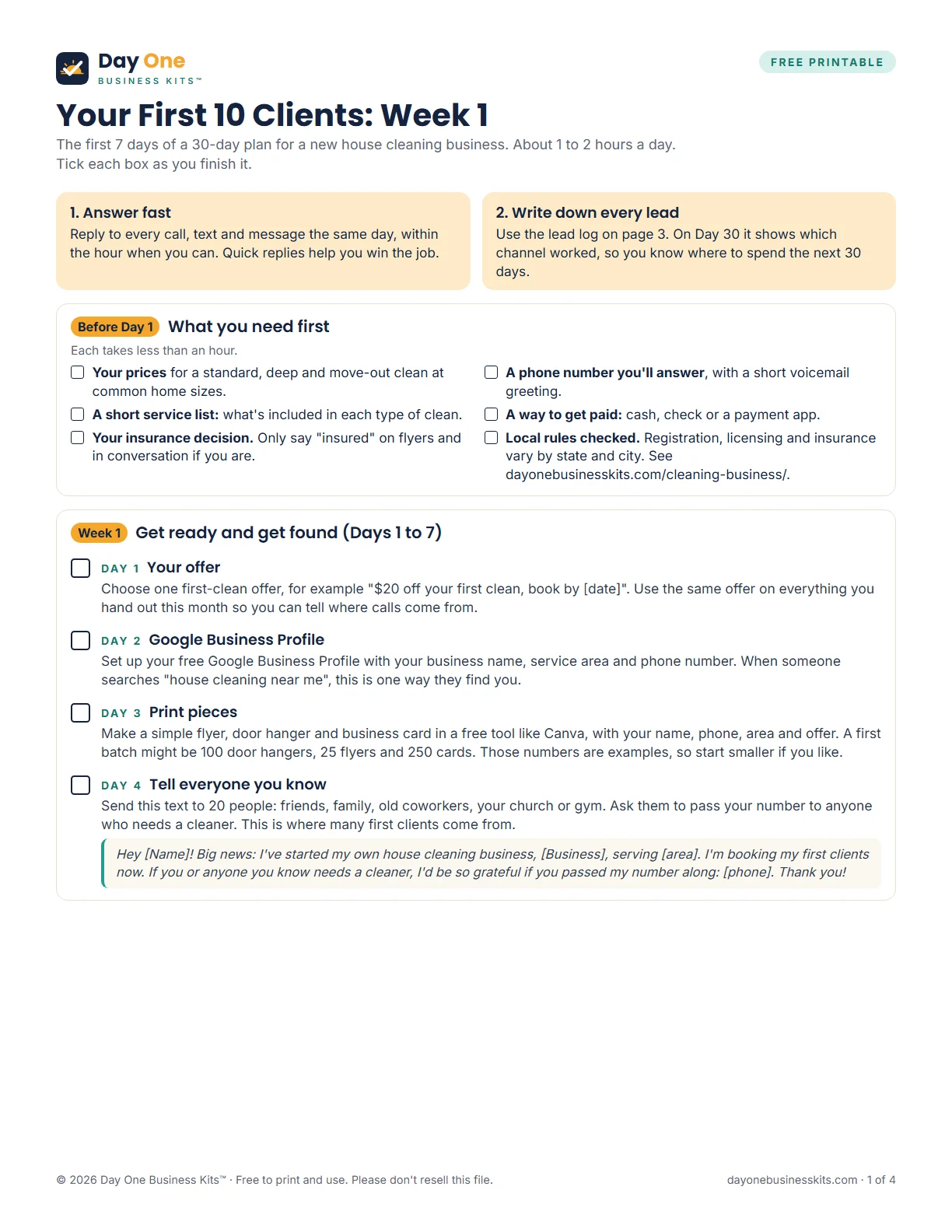
Get a free first 10 clients plan
Your first week, day by day: what to do, what to say, and a lead log so you can see which flyers, posts and partners actually bring calls. Print it and tick it off.
We’ll also email cleaning business tips now and then. Unsubscribe anytime. Privacy Policy
Should a home-based cleaner hide their address on Google?
Yes. If clients never come to your house, Google’s guidelines say a service-area business should hide its address. Google also notes that the address on a profile is public. Once you hide it, the profile shows only your service area. If you hide the address and skip the service area, Google picks a local area for you, so don’t leave it blank.
Google’s service area rules (checked November 2026): you can list up to 20 areas by city, postal code or other named area. Your overall area shouldn’t stretch more than about 2 hours of driving from your base, and you can’t add whole states. Approved service area edits can take up to 48 hours to show.
Example: why 2 hours is a ceiling, not a target. Say you add a town 45 minutes away and book an every-other-week client there. That’s 90 minutes of round-trip driving per visit. Every other week works out to 52 ÷ 2 = 26 visits a year, and 26 × 1.5 hours = 39 hours a year behind the wheel for one client. You can’t bill for those hours. Start with the towns you can reach in a short drive and add more later if the work comes in.
What should a cleaner put in the description and services?
Say what you clean, where, and how you work, in plain sentences, no more than 750 characters. Google’s Edit your Business Profile page sets that limit and asks you to focus on the business, not on promotions, prices or sales. That means no “$20 off your first clean” in the description.
Fill-in template (it comes in well under the limit): [Business name] is a house cleaning service serving homes in [Town 1], [Town 2] and [Town 3]. I offer [recurring standard cleans], [deep cleans] and [move-out cleans]. Every visit follows a written checklist, so you know what gets done in each room. [Add one true detail: e.g. you bring your own supplies.] Weekly, every-other-week and monthly visits are available. Only include claims that are true for you, like insurance.
For services, Google’s services editor suggests options for your business type and lets you add a custom service. Good ones to add:
- Standard (recurring) cleaning
- Deep cleaning
- Move-in / move-out cleaning
- Vacation rental turnover cleaning, if you really do it
Google lets you add prices to services. You can leave that field empty if your price depends on home size. If you do fill it in, use a “starting at” figure you’ve worked out with the method in the pricing guide.
Which photos can a new cleaner honestly use?
Only photos you took yourself, of your own work and equipment. Stock images or another cleaner’s before-and-afters misrepresent your business.
- You with your caddy and supplies (a plain photo is fine)
- Your logo, and your car if it’s marked
- Before-and-after shots, only with the client’s permission, framed so no mail, family photos or house numbers show
- Your printed checklist or leave-behind card
How do you verify a cleaning business with no storefront?
You use whatever method Google offers, and for a home-based business that’s often a video recorded on your phone. Google says the options depend on your business type, public info, region and hours, and that you should use video if you’re eligible. Its video verification page says a home-based service-area business can film landmarks and signs in its immediate neighborhood to confirm the address.
- A street sign or landmark near your home
- Your cleaning tools and supplies
- Marketing materials with your business name, like cards or flyers
- Your business name, which has to match the name on your profile
- If the video is rejected, Google tells you why, and you can record a new one
How do you get your first Google reviews without breaking the rules?
Ask every client the same way, send your review link, and offer nothing in return. Google’s prohibited content policy allows businesses to ask for genuine reviews without incentives or attempts to influence the rating. Here’s how the usual beginner ideas stack up:
| What you might try | Allowed? | Google’s rule |
|---|---|---|
| Text every client your review link after a clean | Yes | Asking for genuine reviews, with no incentive, is allowed |
| “$10 off your next clean for a review” | No | Incentives like discounts or free services are prohibited |
| Send the link only to clients who seemed happy | No | Selectively asking for positive reviews is prohibited |
| Ask a friend who never hired you to post one | No | Content must reflect a real experience; conflict-of-interest reviews are prohibited |
| Ask for five stars or certain words | No | Businesses shouldn’t request specific content |
| Offer a refund if a client removes a bad review | No | Incentives to change or remove a negative review are prohibited |
Avoid this
Don’t run a “review special.” A discount for a review feels harmless, but Google’s review link help page calls incentives fake engagement and says they’re strictly prohibited. Instead, ask every client the same plain way and let the clean speak for itself.
To get the link, open your profile, select Read Reviews, then Get more reviews, and copy it. Send it the same day as the clean. Google’s review QR code can only be generated in a computer browser, not on a phone, so make it on a laptop and print it on your leave-behind card or the back of your cleaning checklist.
What to text a client after a clean
Hi [Client name], it’s [Your name] from [Business name]. Thanks for having me today.
If you have a minute, would you leave an honest review on Google? It helps people nearby decide whether to call me.
[Review link]
And if anything wasn’t right, just reply here and I’ll take care of it.
Send it to every client, including the quiet ones. Reply to each review you get with a short, specific thank-you. If a review is critical, answer it calmly and offer to fix the problem. Never offer anything in exchange for taking the review down.
Ready-made marketing for cleaners
Get Clients Kit
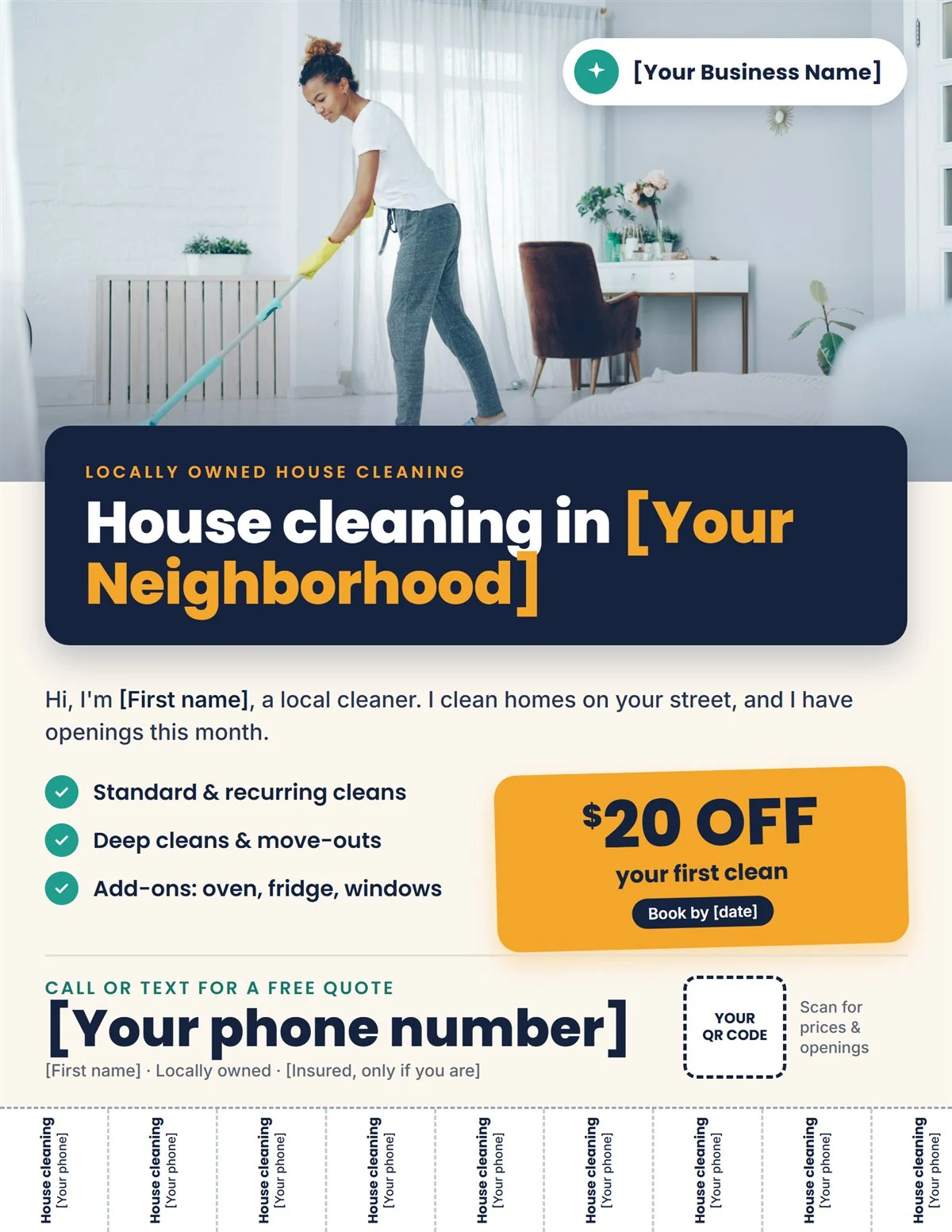
The flyers, door hangers and business cards from this guide, ready to edit in free Canva, plus a "We just cleaned next door" hanger, referral cards, a 30-day plan for your first 10 clients, scripts for calls and follow-ups, and 30 social posts. $24 on Etsy.
Or get all 4 tools in the Launch Kit: $44 instead of $64 separately. See the Launch Kit or browse all the templates in the shop.
If you need pricing and checklists too, the Cleaning Business Launch Kit in the shop includes the Get Clients Kit, Pricing Calculator, All-in-One Workbook and Client Checklist System at a bundle price. See the shop page for current pricing and refund terms.
Is a Google Business Profile worth it for a solo cleaner?
For most solo cleaners who want new local clients, yes. It’s free, and Google describes it as available to businesses without a storefront that make in-person contact with customers, such as cleaning services. The trade-offs: your reviews are public, including the bad ones, and people will expect answers during the hours you list.
The answer is “not yet” if you only clean for a couple of people you already know and aren’t taking new clients. It’s also “not yet” if you haven’t settled on a business name, since renaming after verification can send you back through verification.
Try it freeFigure out how many recurring clients you need before you decide how far your service area should reach.Open the tool →Once your profile is live, people will start asking “how much?” Have your numbers ready before the phone rings.
Rather have it done for you? Our sister service RankCraft Labs (opening soon) can set up your Google Business Profile for you. Everything you need to do it yourself is in this guide. Same founder as Day One.
Frequently asked questions
Can I have two Google Business Profiles for my cleaning business?
Not for one service-area business. Google says service-area businesses can only have one profile for the whole area they serve. Source.
Do you need an LLC to have a Google Business Profile?
Google’s help pages base eligibility on making in-person contact with customers, not on having an LLC. Your profile name should match your real-world branding. Check your local registration rules in the license guide, and confirm with a licensed professional. Source.
Is a Google Business Profile free?
Yes. Google says creating a Business Profile and listing your business is free. Source.
Will my home address show on Google?
Only if you leave it visible. Google says the address on a profile is public, and a service-area business can hide it and show just its service area. Source.
Can I give a discount to clients who leave a review?
No. Google calls incentives like free or discounted services in exchange for reviews fake engagement and prohibits them. Source.
How long do profile changes take to show?
Google says approved service area edits can take up to 48 hours to appear on your profile. Source.
Download the free Price Your First 10 Jobs worksheet so you can quote confidently when your profile brings in the first call, then check the license guide to make sure your business name and registration line up.
Sources
- Google Business Profile Help: Add or claim your Business Profile: Adding or claiming a profile is free; how to claim an unverified profile
- Google Business: Support FAQ: A cleaning service is named as an example of a service-area business; profiles are free
- Google Business Profile: Get Listed on Google: Creating a Business Profile is free
- Google Business Profile Help: Get started with Google Business Profile: Google Account required; profiles suit service providers who visit customers in person
- Google Business Profile Help: Guidelines for representing your business on Google: Service-area businesses should hide their address; about 2 hours of driving
- Google Business Profile Help: Manage your service areas: Up to 20 service areas, 2-hour guideline, no states, one profile per service-area business, 48-hour edits
- Google Business Profile Help: Manage your business address: Address is public; hidden address shows service area; Google picks an area if none entered
- Google Business Profile Help: Edit your Business Profile: Name matches real-world branding, possible re-verification after a name change, up to 9 more categories, 750-character description, no promotions or prices focus
- Google Business Profile Help: Manage your services: Suggested and custom services, optional prices and descriptions
- Google Business Profile Help: Verify your business on Google: Verification options depend on business type; video recommended; live calls during business hours; show equipment and marketing materials
- Google Business Profile Help: Verify your business with a video recording: Home-based service-area businesses can film neighborhood landmarks; name must match; resubmission if rejected
- Google Business Profile Help: Create a Google link or QR code to request reviews: How to get the review link; QR codes only in a computer browser; incentives are fake engagement
- Google Business Profile Help: Prohibited and restricted content: Bans on incentives, selective asking, conflict of interest, requesting specific content; asking for genuine reviews allowed
This guide is general information about setting up a Google Business Profile for a cleaning business, not legal, tax or financial advice. Rules and prices vary by area. See our Disclaimer.
Last updated: November 13, 2026

Ron Jenkins is the founder of Day One Business Kits. He has 8 years of experience in SEO, social media and design for small local businesses, and every Day One guide he writes is researched from official sources such as the IRS and the U.S. Small Business Administration. More about Ron
Drafted with AI help, reviewed and edited by Ron. How we make our guides and tools